Search Header Logo
Gr6 Computer Review

Gr6 Computer Review

Assessment

Presentation

Computers

6th Grade

Practice Problem

Easy

Created by

Antoinne Conliffe

Used 2+ times

FREE Resource

11 Slides • 13 Questions

1

Review Lesson Lets get prepared!!!!

2

media

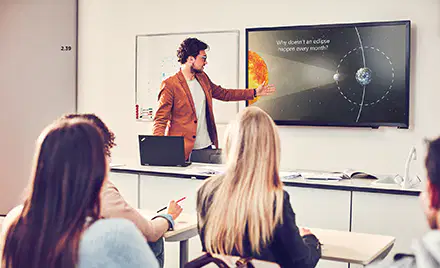
Microsoft PowerPoint is a powerful presentation software. Microsoft PowerPoint uses Multimedia to create presentations that are attractive and useful. Some presentation software is Microsoft PowerPoint, Apple Keynote, Google slides, and Apache open office impress.  

Microsoft PowerPoint

3

Multiple Choice

Question image

What is Microsoft PowerPoint?

1

A Powerful presentation software

2

A game

3

A list for cooking

4

Something that goes in your hair

4

media

Anyone can use MS PowerPoint to create a presentation on any topic.

Who can use Microsoft PowerPoint?

5

Fill in the Blanks

media image

6

Multiple Choice

Question image

What can you create a presentation on?

1

Cars

2

Volcanoes

3

Planets

4

All the Above

7

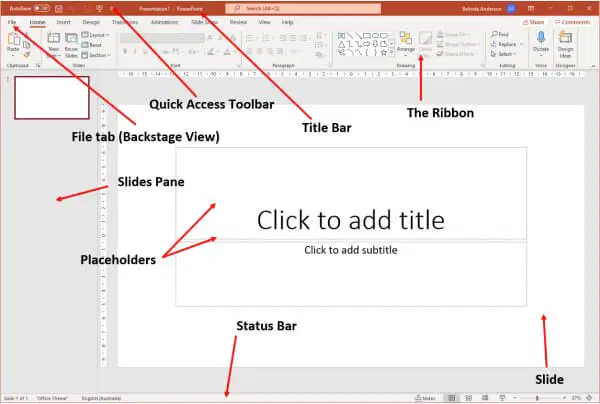
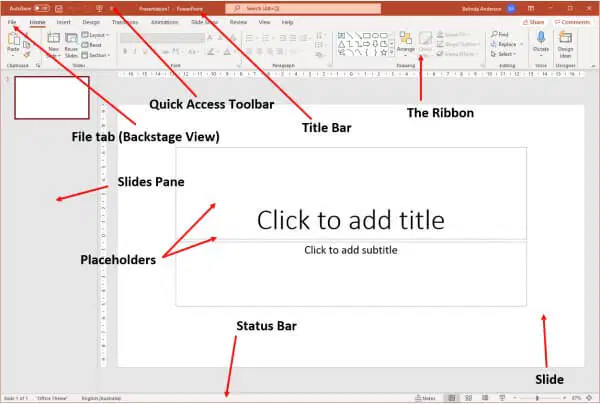
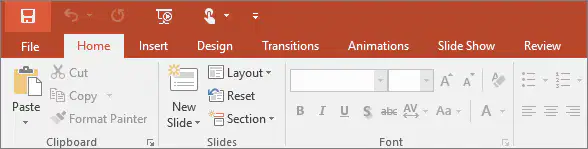
The ribbon is a command bar that organizes a program's features into a series of tabs at the top of the screen. Each ribbon is a bar across the top of the page. 

The Ribbon

media

8

Fill in the Blanks

media image

9

media

At one end of the ribbon is the File tab, which you use for the behind-the-scenes stuff you do with a file, such as opening, saving, sharing, exporting, printing and managing your presentation. Click the File tab to open a new view called the Backstage. 

File Tab

10

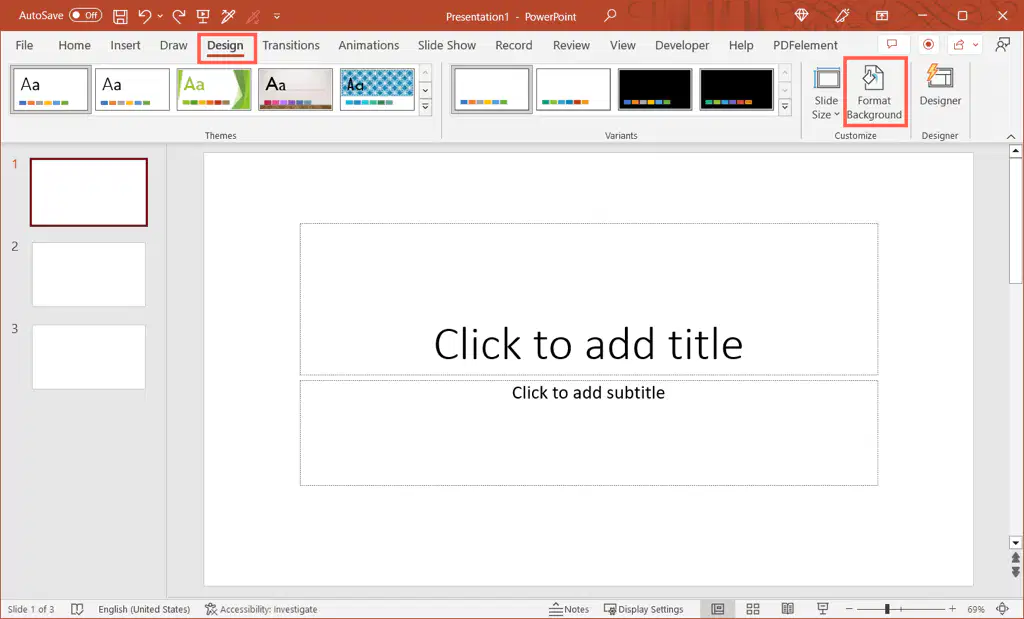
​​Ribbon tabs are composed of groups of closely related commands, designed to help users quickly find desired commands. 

Ribbon Tabs

media

11

media

At one end of the ribbon is the File tab, which you use for the behind-the-scenes stuff you do with a file, such as opening, saving, sharing, exporting, printing and managing your presentation. Click the File tab to open a new view called the Backstage. 

File Tab

12

Fill in the Blanks

media image

13

media

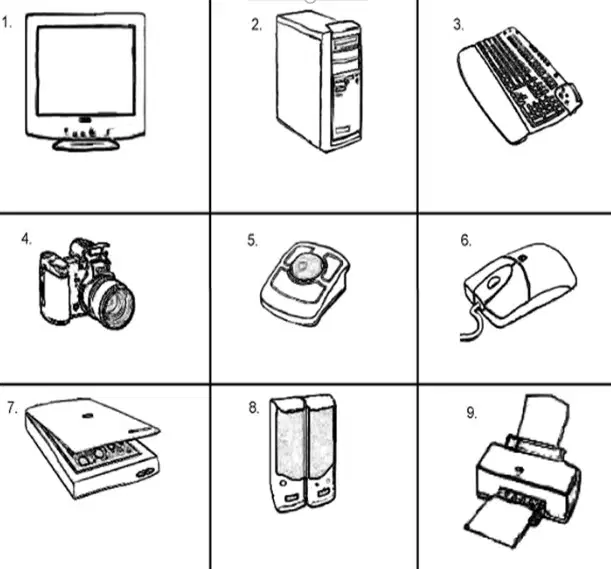
You need to know the different parts of the computer. Monitor, Tower/CPU, Keyboard, Camera, Trackball, Mouse, Scanner, Speakers, and printer.

Parts of the computer

14

Multiple Choice

Question image

What part of the computer is Number 5?

1

Mouse

2

Trackball

3

Speakers

4

Scanner

15

Multiple Choice

Question image

What part of the computer is Number 7?

1

Mouse

2

Trackball

3

Speakers

4

Scanner

16

Multiple Choice

Question image

What part of the computer is Number 1?

1

Monitor

2

Camera

3

Keyboard

4

Printer

17

Multiple Choice

Question image

What part of the computer is Number 3?

1

Monitor

2

Camera

3

Keyboard

4

Printer

18

media

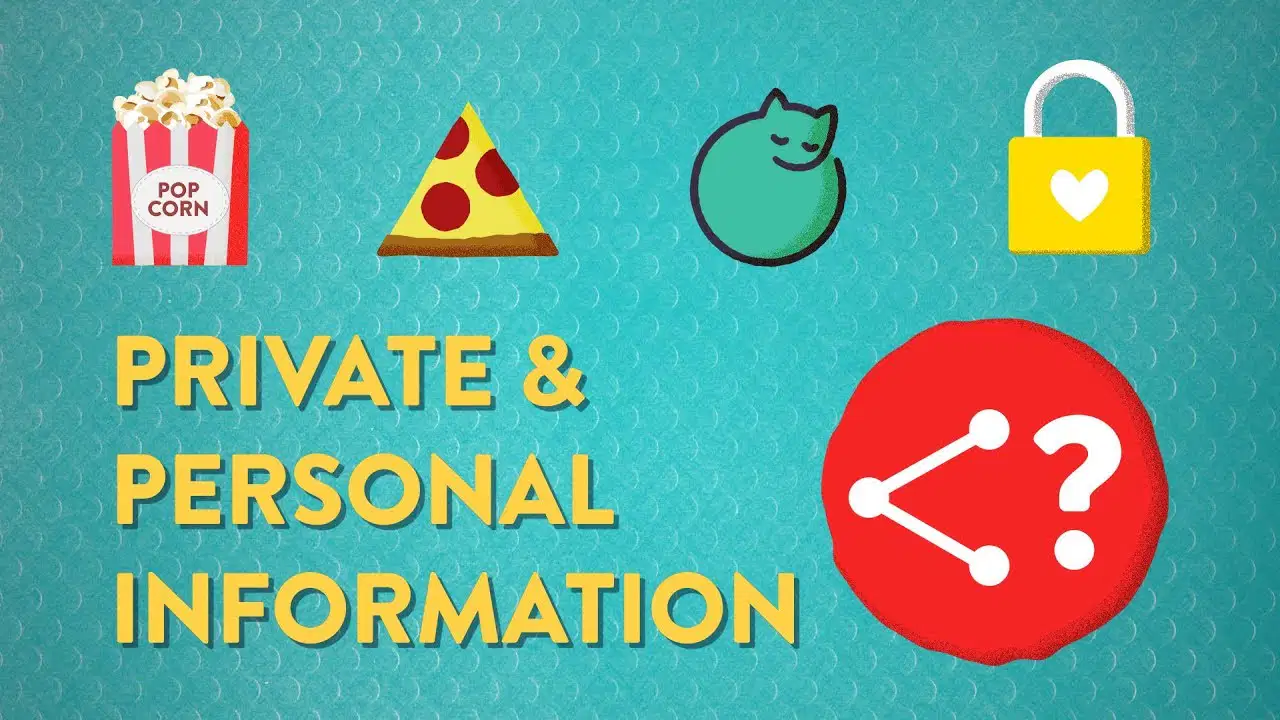
Private information is information that should not be shared to anyone or posted online. Personal information is information that can be shared such as your preferences or things that you like or dislike. 

Private and Personal Information 

19

Fill in the Blanks

media image

20

Fill in the Blanks

media image

21

Programming with Code.org

What is Programming

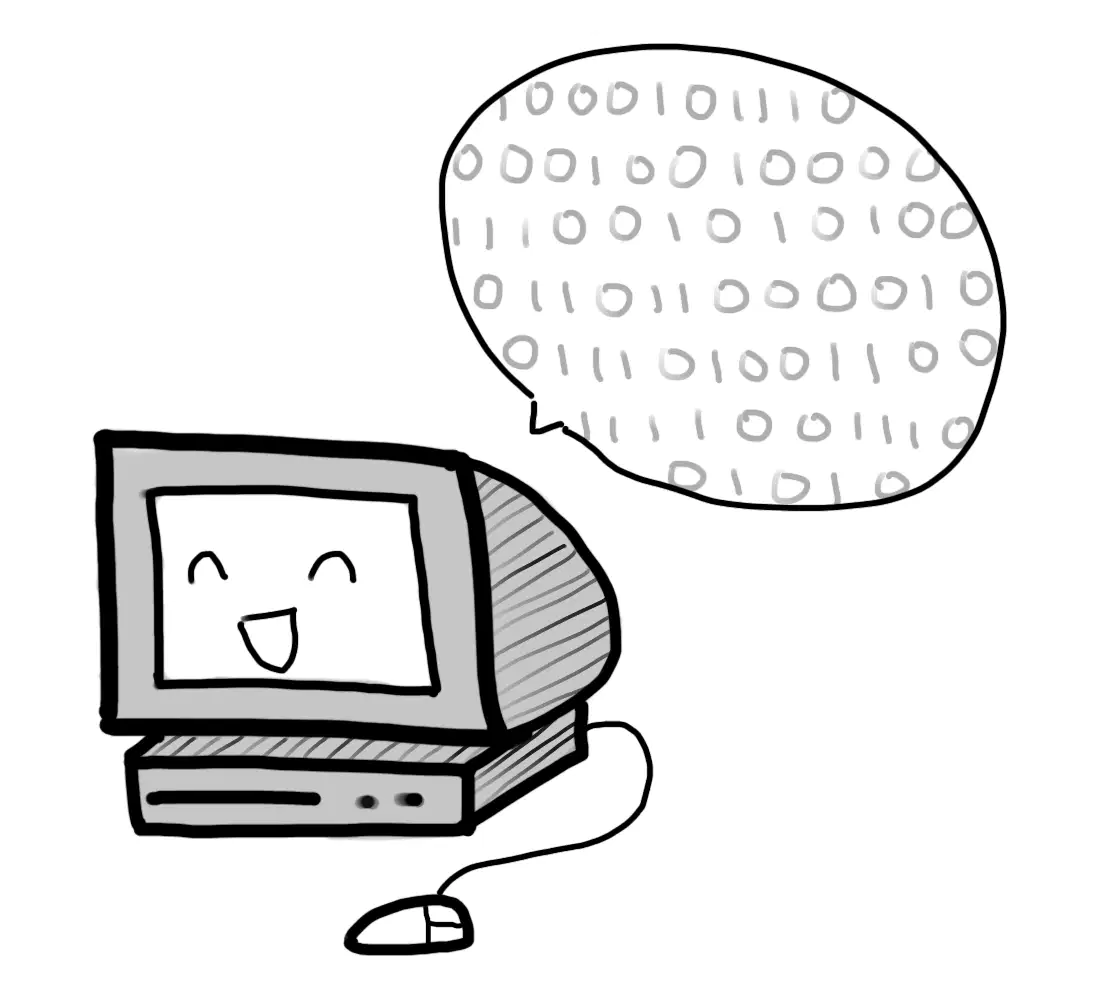
Programmers are people who give computers instructions in the form of software using programming language which is also known as machine language or Programming Language.

22

Multiple Choice

Question image

What Language do computer speak in?

1

German

2

Programming Language/Machine

3

Russian

4

Japanese

23

media

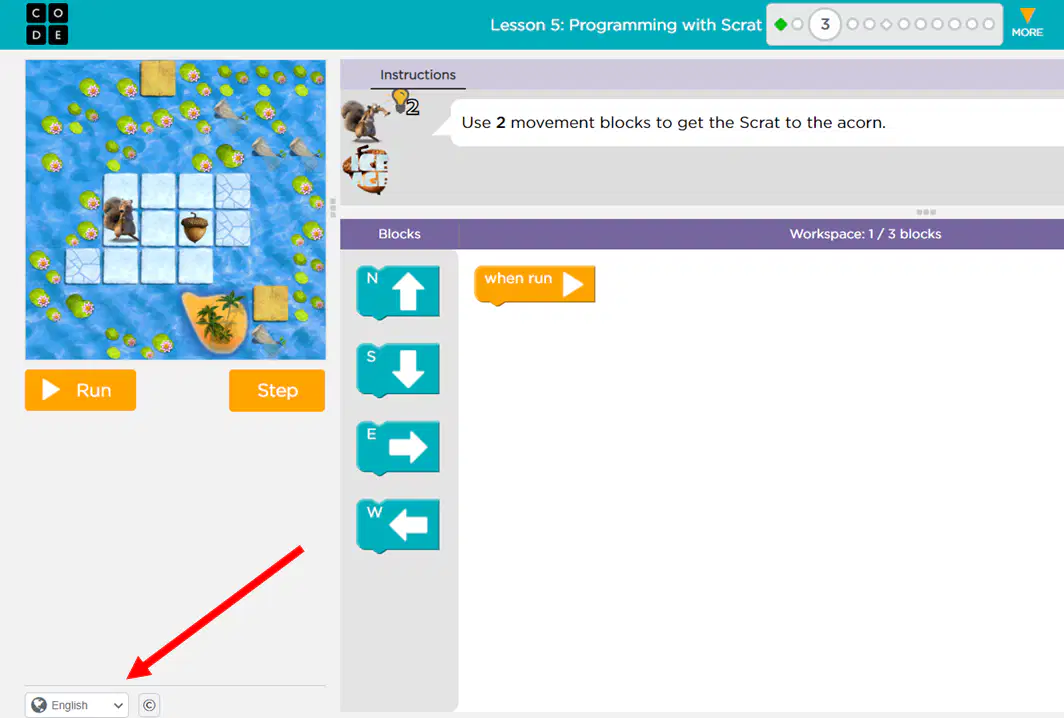
Code.org is an online programming site that uses block coding. The program is started after the user assembles their code and clicks run.

24

Multiple Choice

Question image

What button is clicked to start the program

1

Begin

2

Run

3

Let's Go

4

Start

Review Lesson Lets get prepared!!!!

Show answer

Auto Play

Slide 1 / 24

SLIDE