

Static Copy PD

Presentation
•
Other
•
KG - Professional Development
•
Practice Problem
•
Hard

Denise Douglas
FREE Resource
68 Slides • 1 Question
1

2
Word Cloud

Describe your Spring Break
3
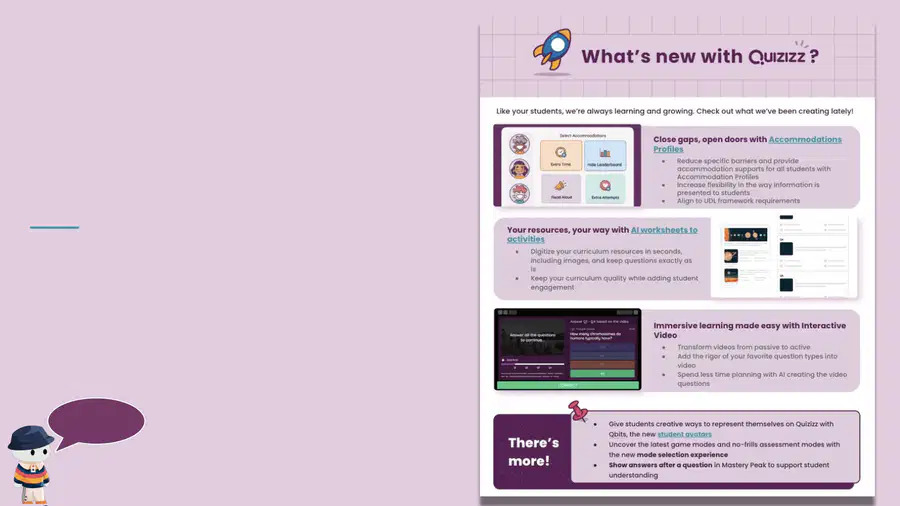
Here are our printable and editable
one pagers.
We have 3! AI, What’s New and a
General Overview, so pick
whichever you think is best for your
audience!
Beyond this PD deck, if you
also like to have a
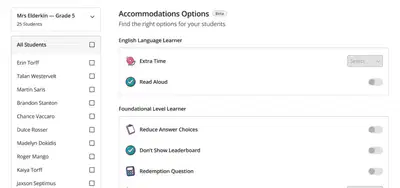
great resource to handout,
we got you!
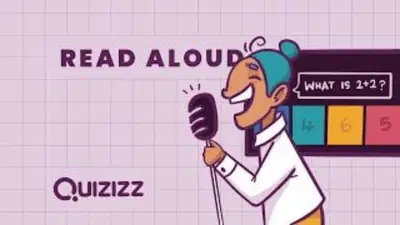
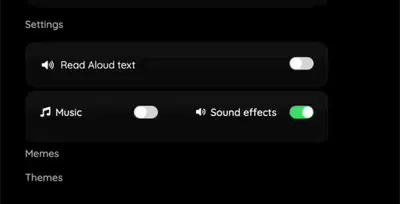
Presenter
slide
4


Top New Releases!
Check out what just dropped on Quizizz!
5



We just made this 1 minute video for the top 5
newest releases. It was a busy beginning of 2024!
6


You can now provide Accommodations in Quizizz
to help meet the needs of all learners!
●Ensure technology is accessible and
compliant for all learners
●Reduce specific barriers and
provide accommodation supports
for all students
●Increase flexibility in the way
information is presented to
students and align to UDL
framework requirements
7

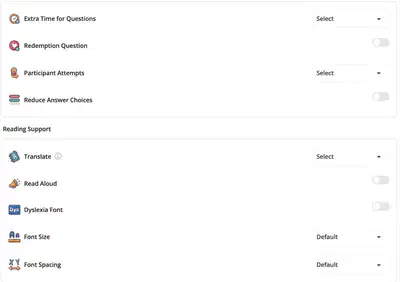


Accommodations (cont)
Click here to get more visuals and see how amazing it is!
30 second video
8

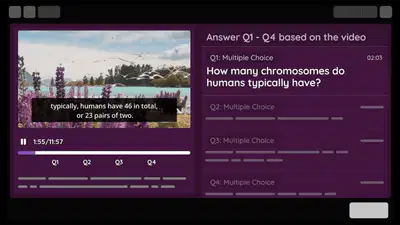

Transform videos from passive viewing to
active learning experiences
●Generate and add questions
automatically to your videos with
Quizizz AI!
●Perfect for flipped classrooms,
self-paced learning and
independent practice!
Question type: Interactive Video
9



Give students creative ways to represent themselves
on Quizizz with Q-bits
Learn more here!
10

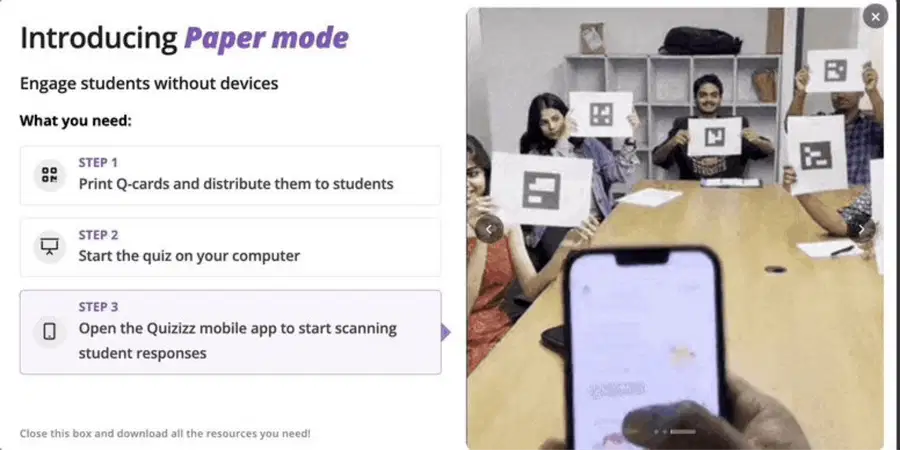

Give students access to Quizizz even when they don’t
have a device with Paper Mode
Learn more here!
11
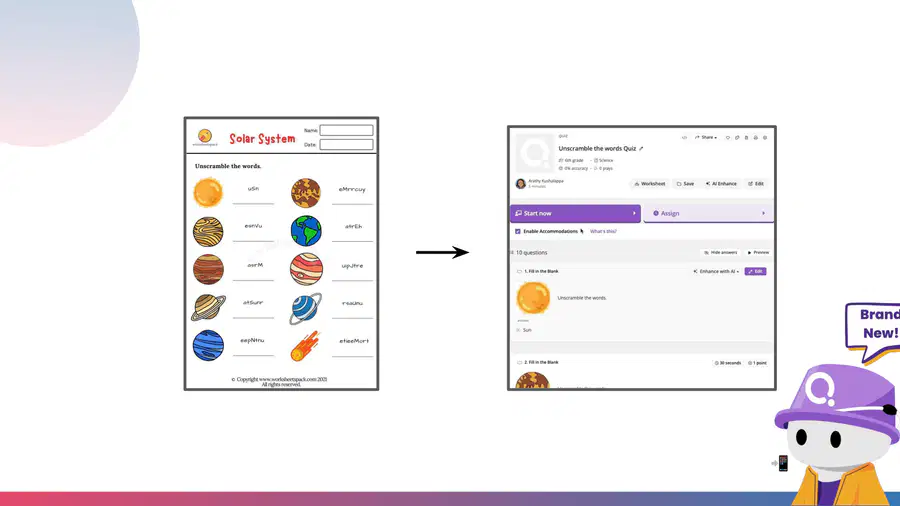
Quizizz AI - Digitize your curriculum resources in
seconds, including images, and keep questions exactly
as is
Turn worksheets, question banks and textbooks into instant activities
Pssst, you can also take pictures of your resources, upload them on the app & have activities in seconds 📲
12


Quizizz is a teaching platform that lets you deliver instruction
that’s relevant for every student with a boost from AI.
With Quizizz teachers can plan engaging yet rigorous quizzes,
lessons, or activities in a matter of minutes for any grade level
or subject.
13
Quizizz AI - Teaching, minus the time
Watch this quick teaser to get a glimpse into what Quizizz AI can do
14


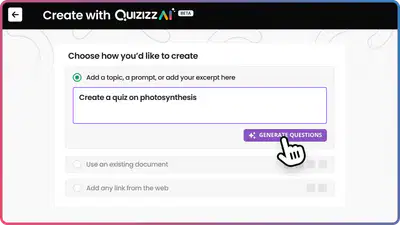


Creating
with AI
Go from idea to planned
instantly and create
quizzes, homework,
assignments
15

Over the next few slides, we’ll
show you the top 5 ways of
creating resources with
Quizizz AI✨
16
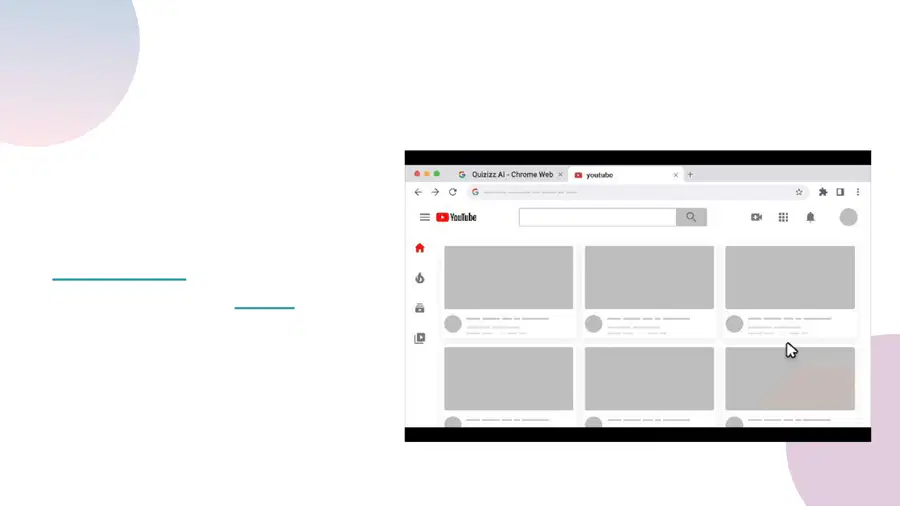
1. Turn any website into a quiz in one clickwith the
Quizizz AI Chrome Extension
Turn any website or
YouTube video into a fun
quiz in seconds!
Here’s a link to download the
extension and a video of it in
action
You can create
-Comprehension questions
-Interactive video questions
-Multiple choice questions
17

2. Create a Quiz
from a YouTube
Video!
Into an
Interactive Video
Quiz!
Or a fun quiz
about the video!
How-To Video
Turn this YouTube video
18
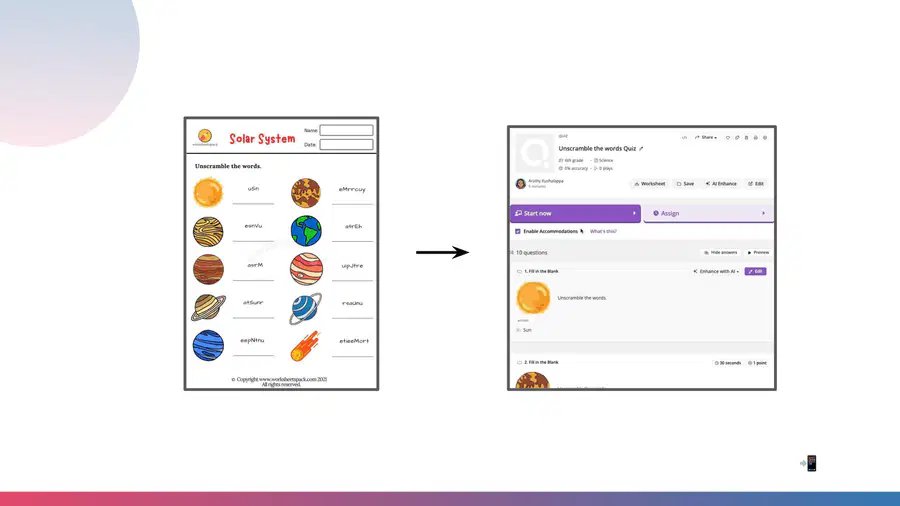
3. Digitize your curriculum resources in seconds,
including images, and keep questions exactly as is
Turn worksheets, question banks and textbooks into instant activities
Pssst, you can also take pictures of your resources, upload them on the app and have activities ready in seconds 📲
19
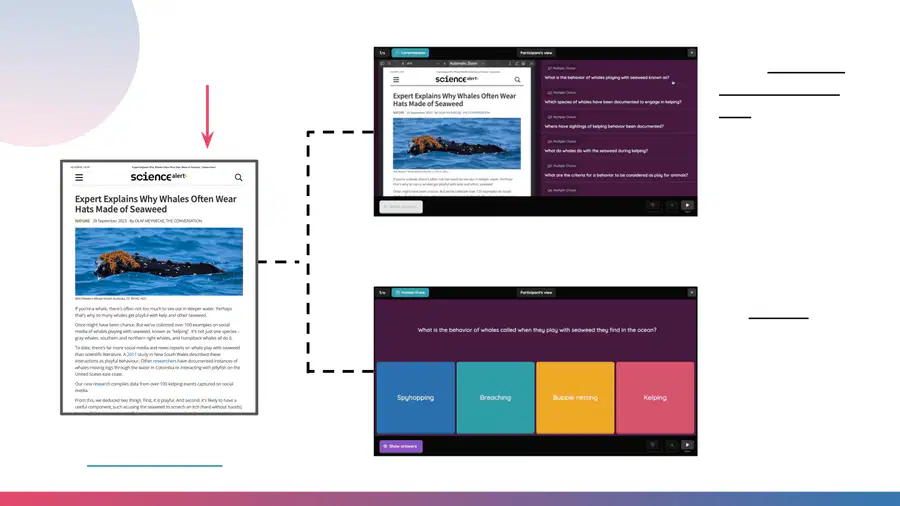
4. Turn this PDF
Into a multi-part
comprehension
quiz with the
PDF embedded
Or fun quiz
based on the PDF
How-To Video
20
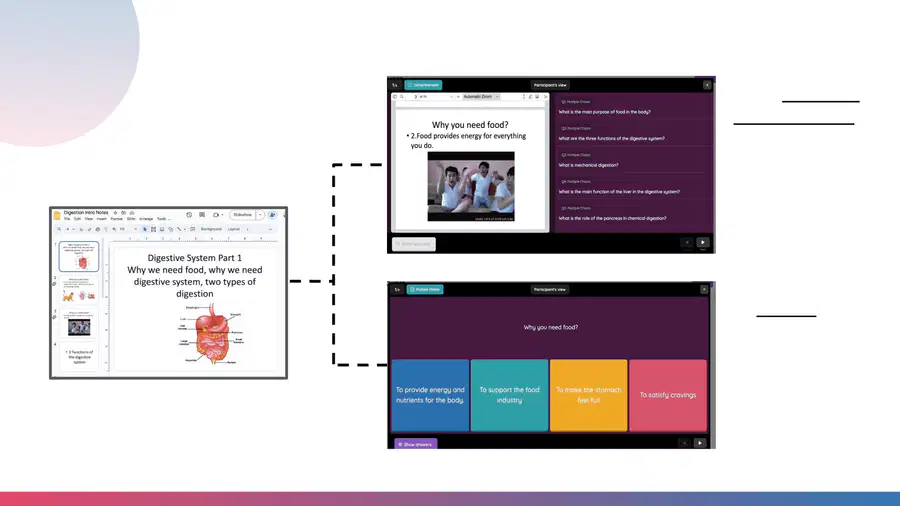
5. Create a Quiz
from a Google
Slide!
Into a multi-part
comprehension
quiz with the
slides embedded
Or fun quiz about
the slides!
21


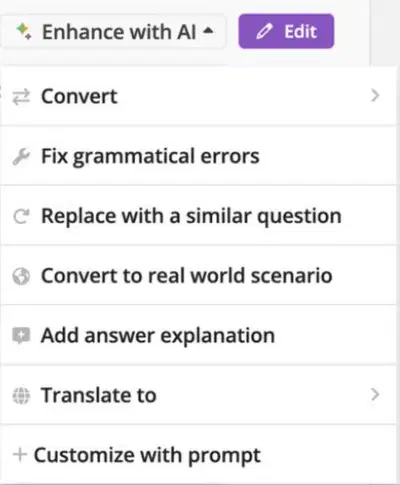
Adapt your
content
For every learner to
support the needs of all
your students with Quizizz
AI Enhance
22
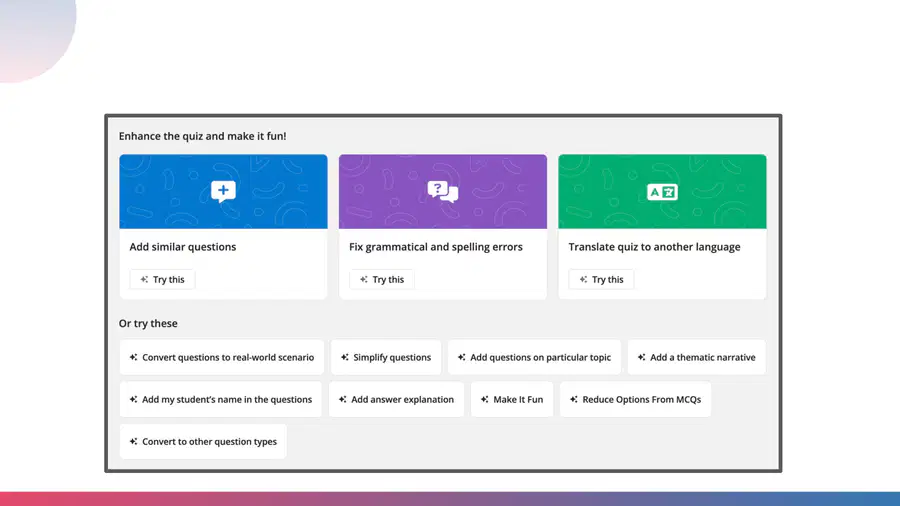
There’s PLENTY you can do with AI Enhance to support every
student and add in your creativity to make learning fun again!
23
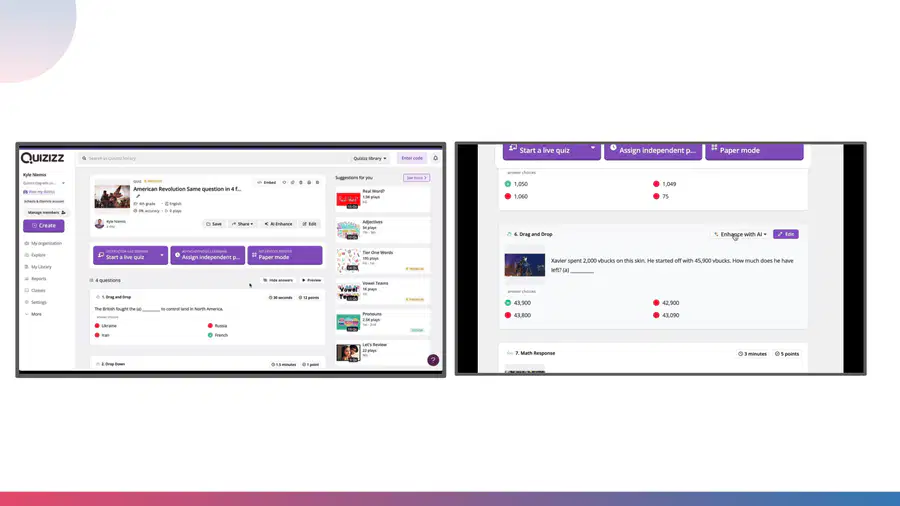
Here are two teacher favorites:
Translate to another language
Make it sound like
24

Here’s Kyle explaining his favorite parts of Quizizz AI
enhance.
25


Access for all learners
Here are some of the top ways you can use Quizizz to provide
options and access to your students
26


Meet the needs of all learners with
Accommodations
●Ensure technology is accessible and
compliant for all learners
●Reduce specific barriers and
provide accommodation supports
for all students
●Increase flexibility in the way
information is presented to
students and align to UDL
framework requirements
27



Accommodations (cont)
Click here to get more visuals and see how amazing it is!
30 second video
28

Accommodate text-to-speech needs with Read Aloud
Students can choose to turn on a setting that will have questions read aloud to them
29


Support different student learning needs with audio of
you reading or other audio sources in questions.
30

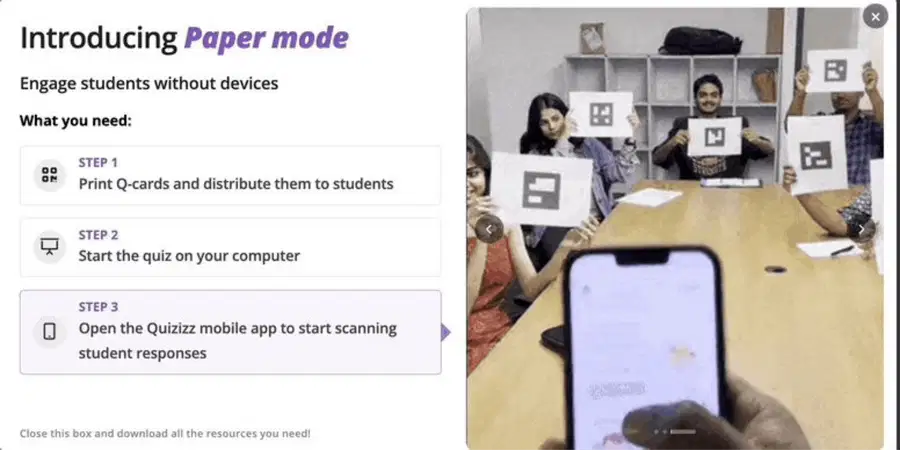
Give students Access to Quizizz even when they don’t
have a device with Paper Mode
Learn more here!
31

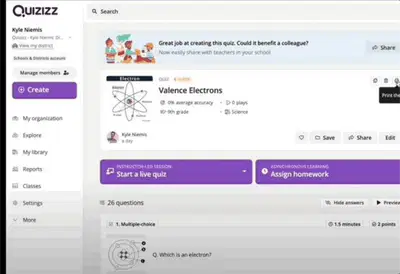
Easily provide paper copies for
student
Different options to print exactly what
you need
Customize printing for students who prefer a
paper option
32

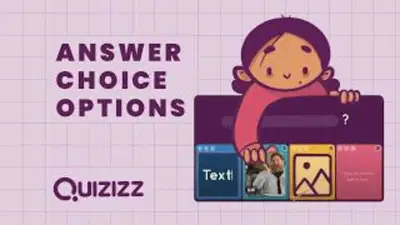
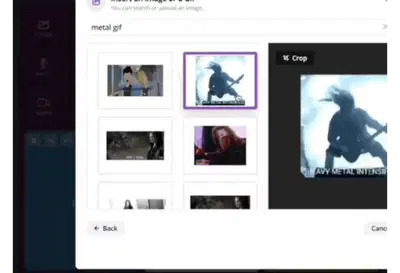
Assess what students know in multiple ways with
images, gifs, or text as answer options
33

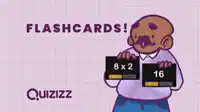

Provide flashcards as an option for those students who
like to study this way
34

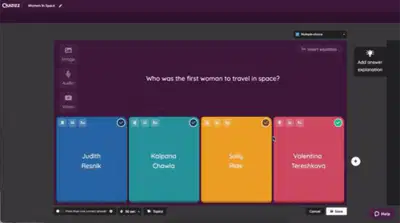
Allow students to see why they got the answer incorrect
with answer explanations
After students answer a question, you have the option to explain the correct answer with
text, pics or video.
35

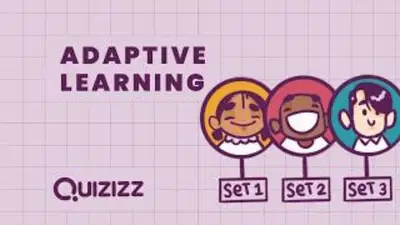

Personalize student learning with adaptive question
banks
Individualized practice so students are only answering question they need
Each round they get a mix of new questions and questions they got incorrect
Experience adaptive learning yourself!
(Be sure to play twice and get a couple of wrong answers)
36


37


The next slides will
show you some of
the top interactive
question types,
you can provide
students,starting
with the newest
ones first.
38

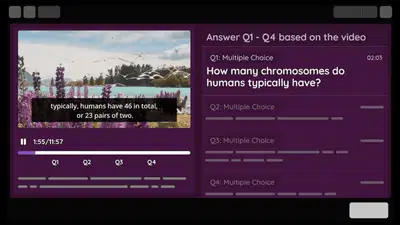

Transform videos from passive viewing to
active learning experiences
●Generate and add questions
automatically to your videos with
Quizizz AI!
●Perfect for flipped classrooms,
self-paced learning and
independent practice!
Question type: Interactive Video
39

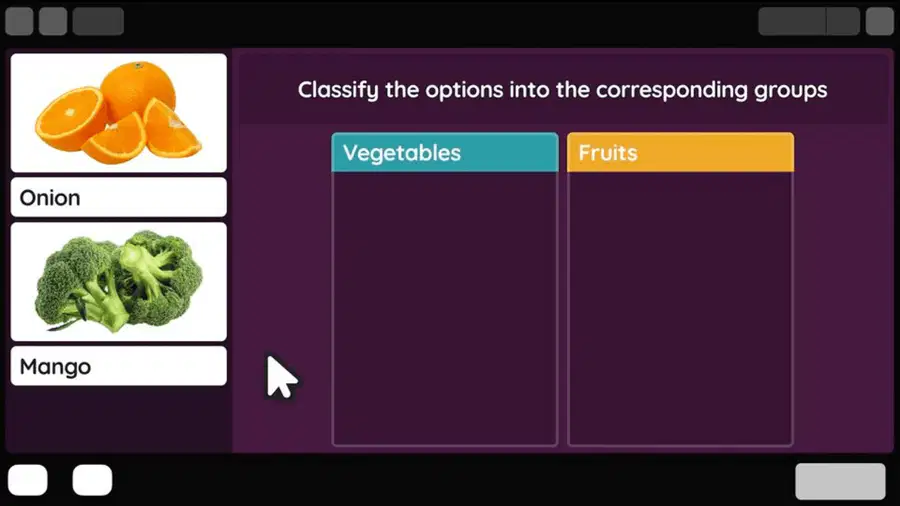
Have students categorize…well anything!
Question type: Categorize
40

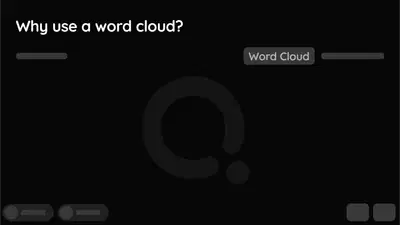
Visualize student voice in real time during
brainstorming and classroom discussions
Question type: Word Cloud
41

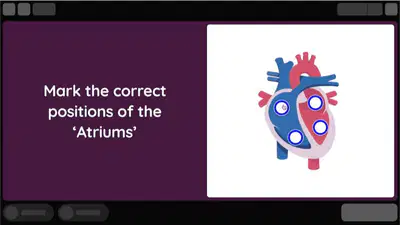
Allow students to identify a specific area of any
image
Question type: Hot Spot
42

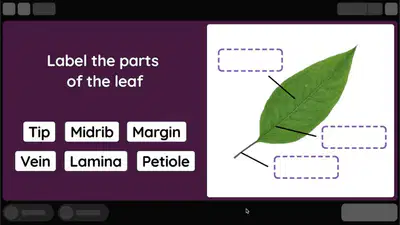
Drag and drop labels onto any picture! Great for
math and science diagrams, parts of a
sentence, maps and more!
Question type: Labeling
43

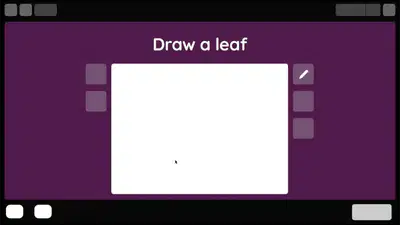
Nurture creativity and recall as students draw a
plant cell, mark locations on map, or use for SEL
Question type: Draw
44

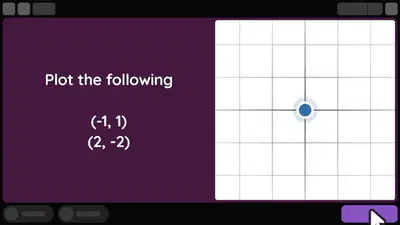
Give students the ability to plot a range of
mathematical relationships on a graph (coordinate
plane) and have them automatically graded!
Question type: Graphing
45

Mastery over Speed
Because everyone moves at their own pace
46



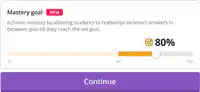
Empower students to improve understanding and
retention with Mastery Mode for skill practice
●Teacher sets a goal
●Student re-attempt incorrect answers to reach the goal
47


Students are able to retake questions
at the end for a chance to increase
their score
Experience redemption questions
yourself!
(Be sure to get a couple of wrong answers)
Help students improve their accuracy with
redemption questions
48

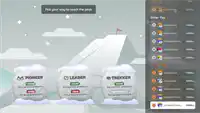
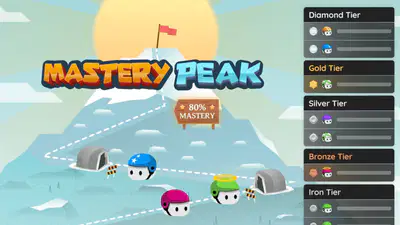
Mastery Peak
A new and exciting live game mode where the entire class races to the top of a mountain.
●Students can compete with peers who are at their competency level.
●Students have more autonomy on choosing power-ups and mini-games throughout
49



The fun stuff
Just because we can be a serious assessment platform, doesn’t
mean we can’t still make students smile
50



Give students creative ways to represent themselves
on Quizizz with Q-bits
Learn more here!
51

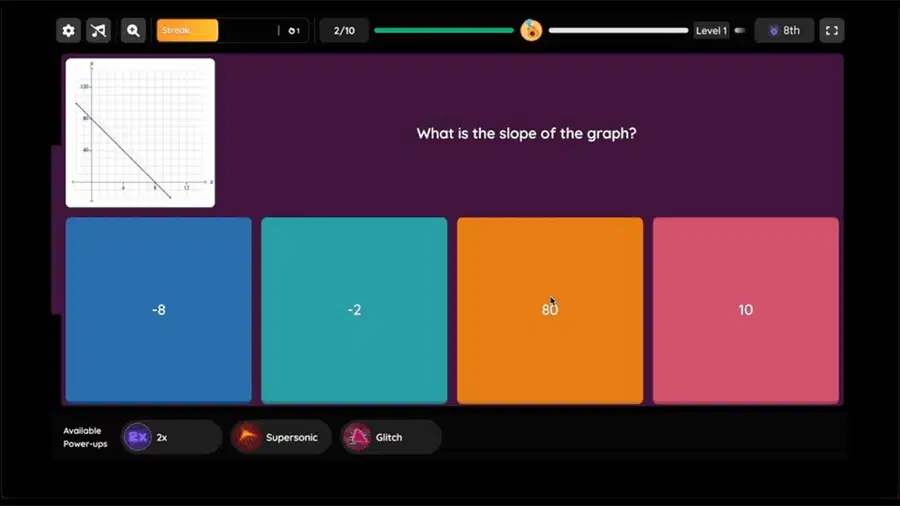
Balance strategy, competition, and motivation
with Strike and Shield Power-ups
52

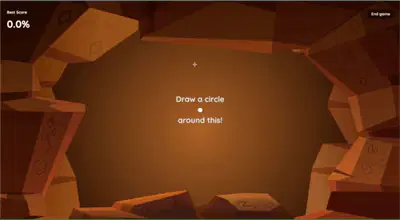
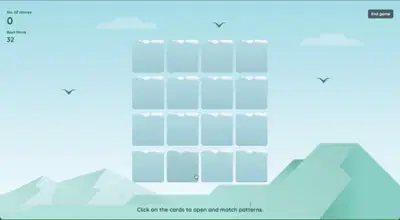
Mastery peak Mini-Games
New mini games to keep things fresh!
Circle Wars
Find Your Essentials
53


Use power-ups to increase the fun
and energy
Increase engagement and participation in
activities with Power-ups
54
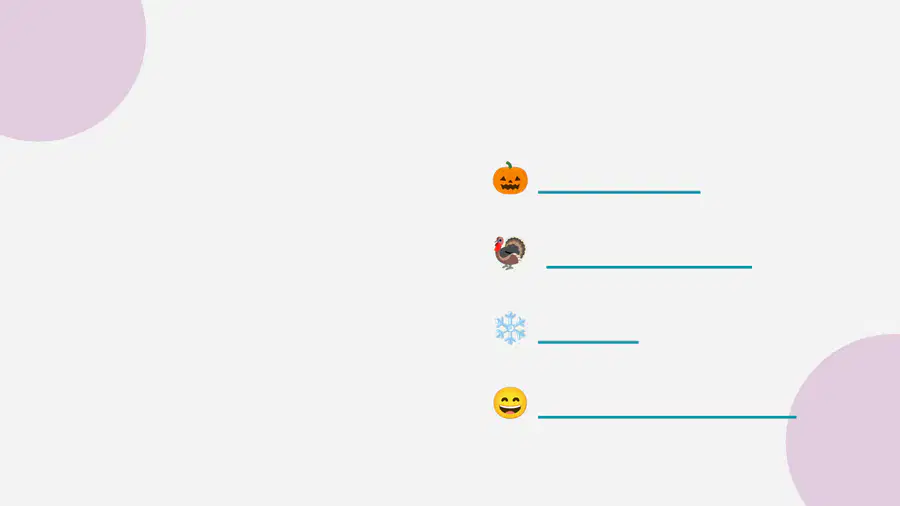
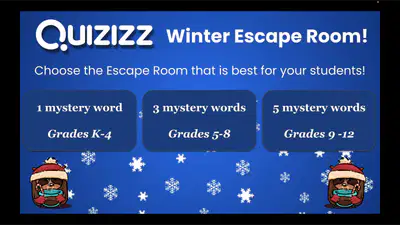
We also like to use memes to create digital escape
rooms. These are premade and ready to go with any
Quizizz Quiz!
🎃
Halloween
🦃
Thanksgiving
❄
Winter
😄
Create your own
55



Template to create your own!
Create personalized memes using Canva
56



Other ways to create your own funny Memes to make
your kids smile!
57


Lessons
Combine our questions with content
for a fully interactive experience
58

Lessons - The “Why”
Combine the question types you love with content slides to
provide a lesson where student interact and give real time feedback
Experience a lesson yourself!
59

●Import right from Google Drive
●Insert Questions
●Embed your favorite sites
Lessons - The “How”
60



Lessons - Some extras
Spin the wheel for a fun way to
choose random students
Turn any slide into an
interactive whiteboard for
students
61

Reports and LMS
integration
Everything you need to drive instruction
62

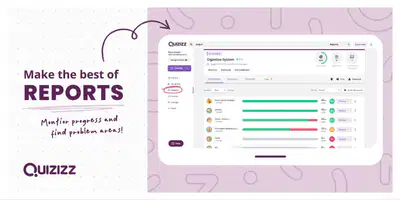
●Clean and easy to use to
drive instruction
●Whole class or individual
●Align with standards
Use data to drive instruction with Quizizz reports
63


The power of Quizizz Reports
A deeper look into reports! (3 min)
64





Rostering and LMS Integration
LTI integration
LTI integration
LMS integration
Rostering
Rostering
(Coming soon)
Rostering
(Coming soon)
65


How Tos
Everything from creating a Quiz to showing growth with Reports
66


●Create a Quiz (Video)
●Use Quizzes from the Quizizz Library
●Teleport and Combine
●Edit, Save, Share & Delete Quizzes
●Duplicate a Quiz
●Import from Google Forms
●Import from a Spreadsheet
●Host a Live Quiz
●Host a Quiz Asynchronously (Video)
●Host a Quiz in Focus Mode
●Setting up and using Classes
●Assign a quiz using Classes
●Change game Settings
How To…
●Create a lesson
●Host a lesson
●Use Lessons from the Library
●Import presentations from Google Drive to
Quizizz Lessons
●Importing Classes via Google Classroom
●Sort Reports
●Rename, print, and email reports
Quizizz Help Center
Contact support: support@quizizz.com
67


Continue Your
Learning
Where can I find more resources & learn more about Quizizz?
68



24/7 Quizizz PD “Hub”
●Learning Paths: Earn learning badges
with self-paced PD on teaching and
learning with Quizizz.
●On-Demand Resources: Catalog of
videos, PD resources and more.
●Quizizz-U Live: Register for Quizizz live
learning events.
Click here
to learn more
69

Thank you!
Follow @quizizz on Twitter for teacher updates and
opportunities to win swag!
Show answer
Auto Play
Slide 1 / 69
SLIDE
Similar Resources on Wayground

66 questions
Lab Safety
Presentation
•
6th - 8th Grade
62 questions
Weathering and Erosion
Presentation
•
5th - 12th Grade
62 questions
Unit 4 Lesson 2 Electron Configurations
Presentation
•
10th - 12th Grade
62 questions
GEOGRAPHY OF RUSSIA 1 PHYSICAL
Presentation
•
9th Grade
62 questions
ISO: The Final Corner of the Exposure Triangle
Presentation
•
10th - 12th Grade
63 questions
Review II
Presentation
•
KG - University
63 questions
Newton's 2nd Law of Motion
Presentation
•
8th Grade
66 questions
Python _ IX
Presentation
•
9th Grade
Popular Resources on Wayground
10 questions
Safety Day 2026 – Student Review

Quiz
•
9th Grade
21 questions
Continents and Oceans
Quiz
•
6th Grade
20 questions
Parts of Speech
Quiz
•
5th Grade
16 questions
Subject & Predicate
Quiz
•
5th Grade
25 questions
Multiplication Facts
Quiz
•
5th Grade
12 questions
Map Skills
Quiz
•
3rd Grade
22 questions
Continents and Oceans
Quiz
•
5th Grade
15 questions
Rounding Decimals
Quiz
•
5th Grade
Discover more resources for Other
10 questions
Safety Day 2026 – Student Review
Quiz
•
9th Grade
21 questions
Continents and Oceans
Quiz
•
6th Grade
20 questions
Parts of Speech
Quiz
•
5th Grade
16 questions
Subject & Predicate
Quiz
•
5th Grade
25 questions
Multiplication Facts
Quiz
•
5th Grade
22 questions
Continents and Oceans
Quiz
•
5th Grade
12 questions
Map Skills
Quiz
•
3rd Grade
15 questions
Rounding Decimals
Quiz
•
5th Grade